
Main Page: Difference between revisions
No edit summary |
No edit summary |
||
| Line 1: | Line 1: | ||
== | == Documentation & Resources == | ||
{{NavGrid|{{NavCard | {{NavGrid|{{NavCard | ||
|title= | |title=Changes from Base Game | ||
|description= | |description=Explore differences between Pokémon Legends: Z-A and Lumiose Online. | ||
|image=LumiWiki-Installation.jpg | |image=LumiWiki-Installation.jpg | ||
|link=Category: | |link=Category:Changes from Base Game | ||
}}{{NavCard | }}{{NavCard | ||
|title= | |title=Logs & Diagnostics | ||
|description= | |description=Learn which logs to collect and how to troubleshoot technical issues. | ||
|image=LumiWiki-Installation.jpg | |image=LumiWiki-Installation.jpg | ||
|link=Category: | |link=Category:Logs & Diagnostics | ||
}}{{NavCard | }}{{NavCard | ||
|title= | |title=Pokémon | ||
|description= | |description=Browse Pokémon information and gameplay documentation. | ||
|image=LumiWiki-Installation.jpg | |image=LumiWiki-Installation.jpg | ||
|link=Category: | |link=Category:Pokémon | ||
}}{{NavCard | }}{{NavCard | ||
|title= | |title=Community | ||
|description=Find | |description=Find community resources and support information. | ||
|image=LumiWiki-Installation.jpg | |image=LumiWiki-Installation.jpg | ||
|link=Category: | |link=Category:Community | ||
}}}} | }}}} | ||
Revision as of 18:53, 13 November 2026
Documentation & Resources
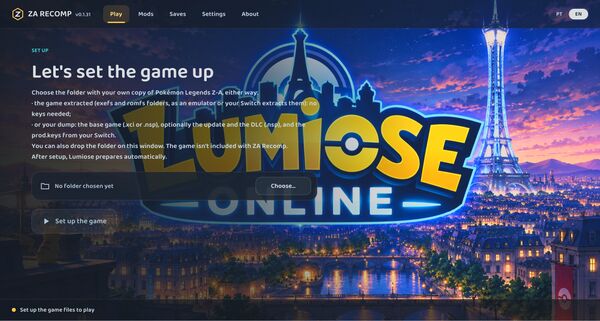
Explore differences between Pokémon Legends: Z-A and Lumiose Online.
EXPLORE →
Learn which logs to collect and how to troubleshoot technical issues.
EXPLORE →
Browse Pokémon information and gameplay documentation.
EXPLORE →
Find community resources and support information.
EXPLORE →