Main Page: Difference between revisions
No edit summary |
No edit summary |
||
| (13 intermediate revisions by the same user not shown) | |||
| Line 1: | Line 1: | ||
{{#description2:LumiWiki is the community documentation wiki for Lumiose Online, featuring installation guides, multiplayer features, Pokémon information, troubleshooting, and performance recommendations.}} | |||
{{WelcomeHeader}} | |||
{{QuickStart}} | |||
== Explore Lumiose Online == | == Explore Lumiose Online == | ||
| Line 6: | Line 8: | ||
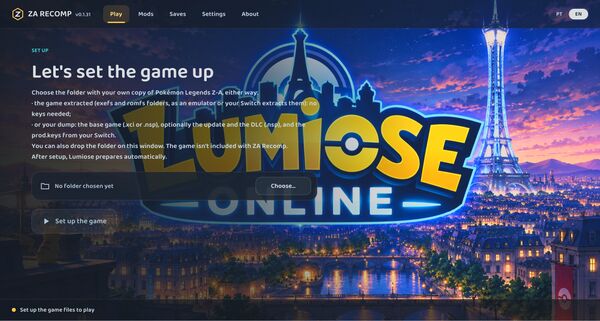
|description=Download, install, and configure Lumiose Online. | |description=Download, install, and configure Lumiose Online. | ||
|image=LumiWiki-Installation.jpg | |image=LumiWiki-Installation.jpg | ||
|link= | |link=Installation Guide | ||
}}{{NavCard | }}{{NavCard | ||
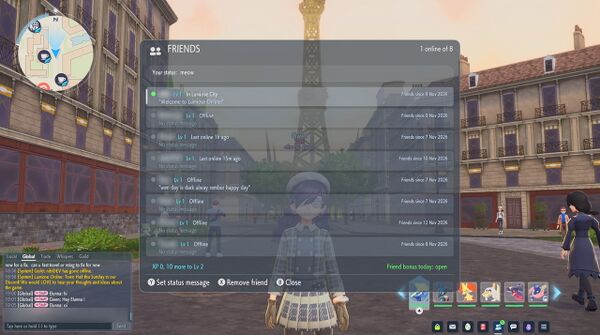
|title=Features | |title=Features | ||
|description=Discover the features and functionality of Lumiose Online. | |description=Discover the features and functionality of Lumiose Online. | ||
|image=LumiWiki- | |image=LumiWiki-Features.jpg | ||
|link= | |link=Features | ||
}}{{NavCard | }}{{NavCard | ||
|title=Performance & Settings | |title=Performance & Settings | ||
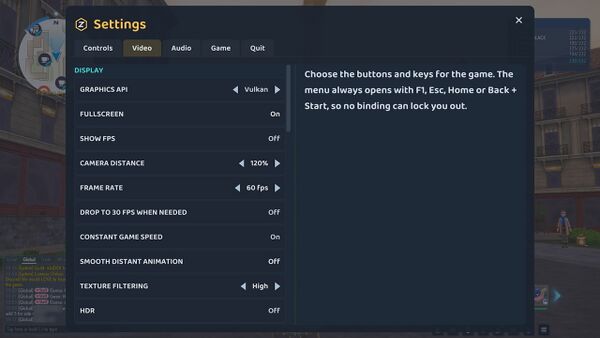
|description=Optimize Lumiose Online for your hardware and platform. | |description=Optimize Lumiose Online for your hardware and platform. | ||
|image=LumiWiki- | |image=LumiWiki-Performance.jpg | ||
|link= | |link=Performance & Settings | ||
}}{{NavCard | }}{{NavCard | ||
|title=Troubleshooting | |title=Troubleshooting | ||
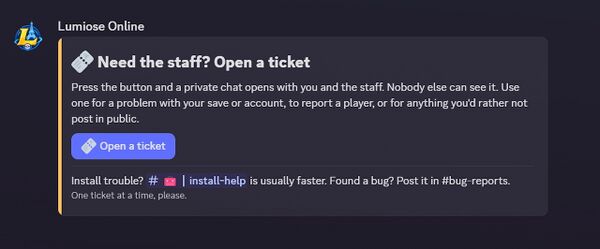
|description=Find solutions to common technical problems. | |description=Find solutions to common technical problems. | ||
|image=LumiWiki- | |image=LumiWiki-Troubleshooting.jpg | ||
|link= | |link=Troubleshooting | ||
}}}} | }}}} | ||
| Line 29: | Line 31: | ||
|title=Changes from Base Game | |title=Changes from Base Game | ||
|description=Explore differences between Pokémon Legends: Z-A and Lumiose Online. | |description=Explore differences between Pokémon Legends: Z-A and Lumiose Online. | ||
|image=LumiWiki- | |image=LumiWiki-Changes.jpg | ||
|link= | |link=Changes from Base Game | ||
}}{{NavCard | }}{{NavCard | ||
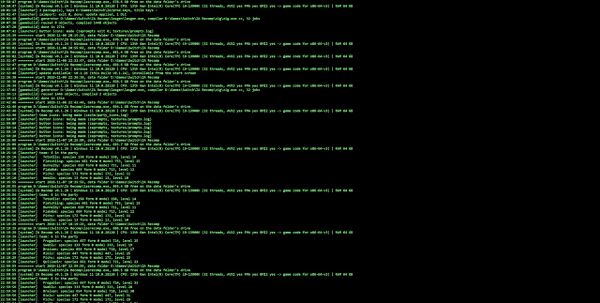
|title=Logs & Diagnostics | |title=Logs & Diagnostics | ||
|description=Learn which logs to collect and how to troubleshoot technical issues. | |description=Learn which logs to collect and how to troubleshoot technical issues. | ||
|image=LumiWiki- | |image=LumiWiki-Logs.jpg | ||
|link= | |link=Logs & Diagnostics | ||
}}{{NavCard | }}{{NavCard | ||
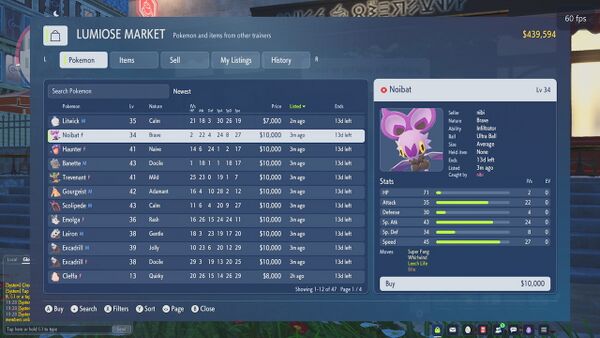
|title=Pokémon | |title=Pokémon | ||
|description=Browse Pokémon information and gameplay documentation. | |description=Browse Pokémon information and gameplay documentation. | ||
|image=LumiWiki- | |image=LumiWiki-Pokemon.jpg | ||
|link= | |link=Pokémon | ||
}}{{NavCard | }}{{NavCard | ||
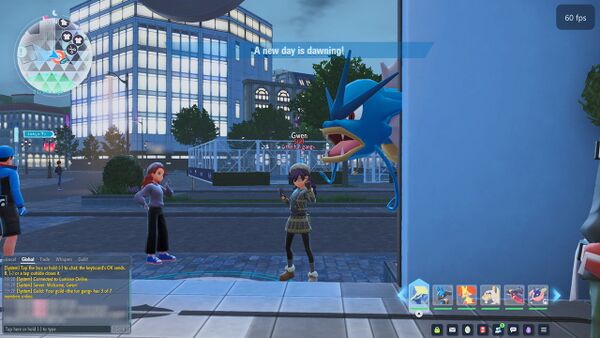
|title=Community | |title=Community | ||
|description=Find community resources and support information. | |description=Find community resources and support information. | ||
|image=LumiWiki- | |image=LumiWiki-Community.jpg | ||
|link= | |link=Community | ||
}}}} | }}}} | ||
== Getting Help & Support == | |||
Experiencing problems with Lumiose Online? The following resources can help you identify and resolve common issues. | |||
* [[Troubleshooting]]: Find solutions to installation failures, crashes, connection problems, and other known issues. | |||
* [[Logs & Diagnostics]]: Learn where diagnostic logs are stored, what information they contain, and which files to provide when requesting assistance. | |||
* [[Performance & Settings]]: Find recommended configurations and performance optimizations for your hardware and platform. | |||
If your issue persists after following the troubleshooting documentation, contact the Lumiose Online development team through the project's official support channels. | |||
{{DiscordBanner}} | |||
Latest revision as of 00:09, 14 November 2026


Welcome to LumiWiki
Your guide to Lumiose Online
The community knowledge base for Pokémon Legends: Z-A — Lumiose Online. Explore installation guides, gameplay features, performance recommendations, and troubleshooting resources.
Get Started with Lumiose Online
Choose your platform to begin your adventure.
Explore Lumiose Online
Documentation & Resources
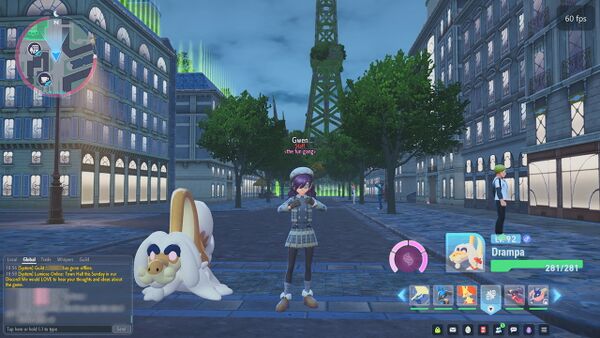
Explore differences between Pokémon Legends: Z-A and Lumiose Online.
EXPLORE →
Getting Help & Support
Experiencing problems with Lumiose Online? The following resources can help you identify and resolve common issues.
- Troubleshooting: Find solutions to installation failures, crashes, connection problems, and other known issues.
- Logs & Diagnostics: Learn where diagnostic logs are stored, what information they contain, and which files to provide when requesting assistance.
- Performance & Settings: Find recommended configurations and performance optimizations for your hardware and platform.
If your issue persists after following the troubleshooting documentation, contact the Lumiose Online development team through the project's official support channels.

